
Hey friends! It’s Katie from The Parish Group. I’ve been updating branding across a few Slate instances lately and noticed a common trend: the use of static years for copyrights.
This post was originally published in the Slate community forums, but I wanted to make a broader resource for anyone who hasn’t joined our forum yet!
These fixed dates often appear in standard branding, Deliver messages, and custom portals—and they quietly expire every January 1st.
The good news? There are scalable, low-maintenance ways to make your branding evergreen so you never have to touch those copyright lines again. Let’s walk through how to do it.
Part 1: Slate Branding
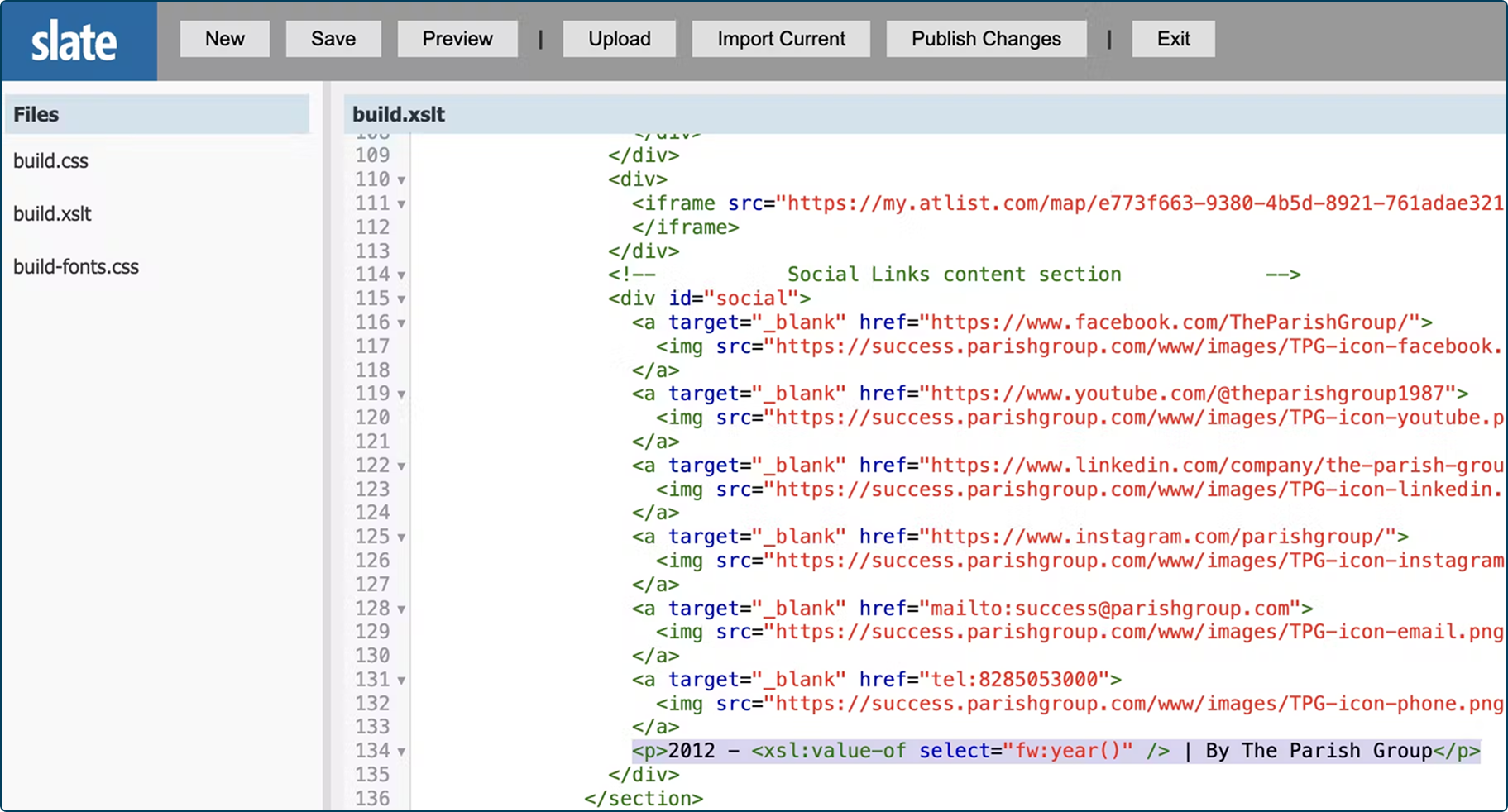
Let’s start with your standard Slate branding. You’ll be working in the Branding Editor, which you can find under Database.
Once you’re there, click into your build.xslt file and scroll to the bottom. You’ll likely see something that looks like this:
<p>2012 – 2025 | By The Parish Group</p>
This setup works—but it’s not evergreen. That “2025” will be outdated in just a few months, and someone will need to manually update it each year.
Instead, let’s rely on native Slate functionality. You can replace that line with:
<p>2012 – <xsl:value-of select=”fw:year()” /> | By The Parish Group</p>
That small change tells Slate to automatically pull in the current year. Once saved, your copyright will always stay current.
If you’re feeling nervous about editing the code, don’t worry—this update works perfectly in your Test environment first. And here’s a quick pro tip: because the year will stay the same when you test in the same year, try adding a small visible change like this to confirm the update was applied correctly:
<p>Copyright 2012 – <xsl:value-of select=”fw:year()” /> | By The Parish Group</p>
Part 2: Deliver Messages
If you’re using similar footer content across Deliver templates, there’s an even better long-term solution: Content Blocks.
Content Blocks make it easy to manage shared elements like footers, headers, and disclaimers in one place—then use them across multiple emails. That means you can update the copyright (or add a new social platform, tweak the brand tagline, etc.) once and have that change reflected everywhere instantly.
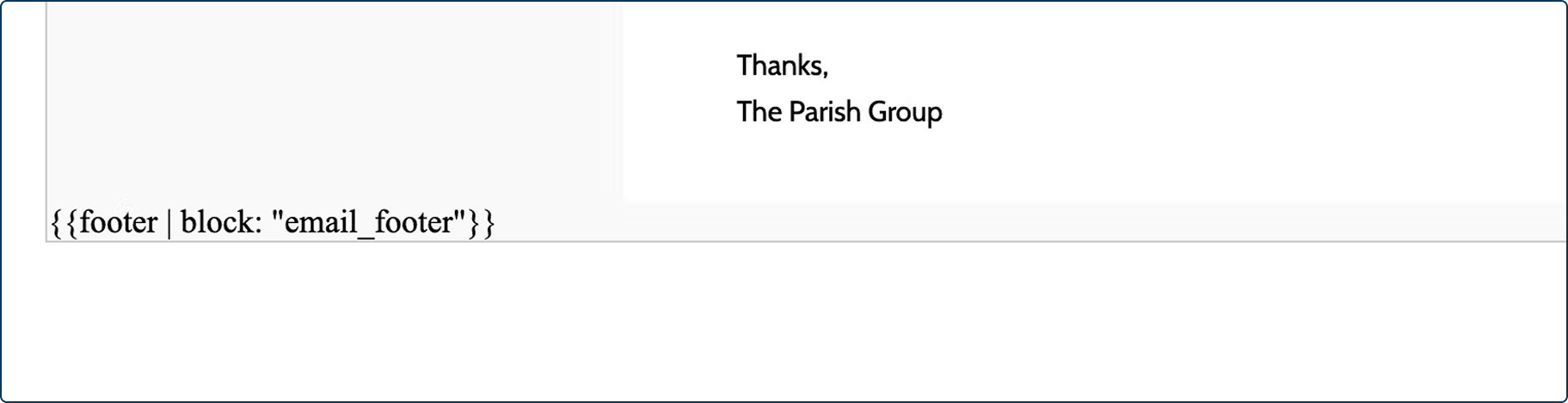
Here’s an example:
Without a content block:
Your copyright text and branding are hardcoded into each email template.

With a content block:
That same footer is centrally managed, automatically updated across all templates.
When configuring your block, start with a default value that includes your dynamic copyright, like this:
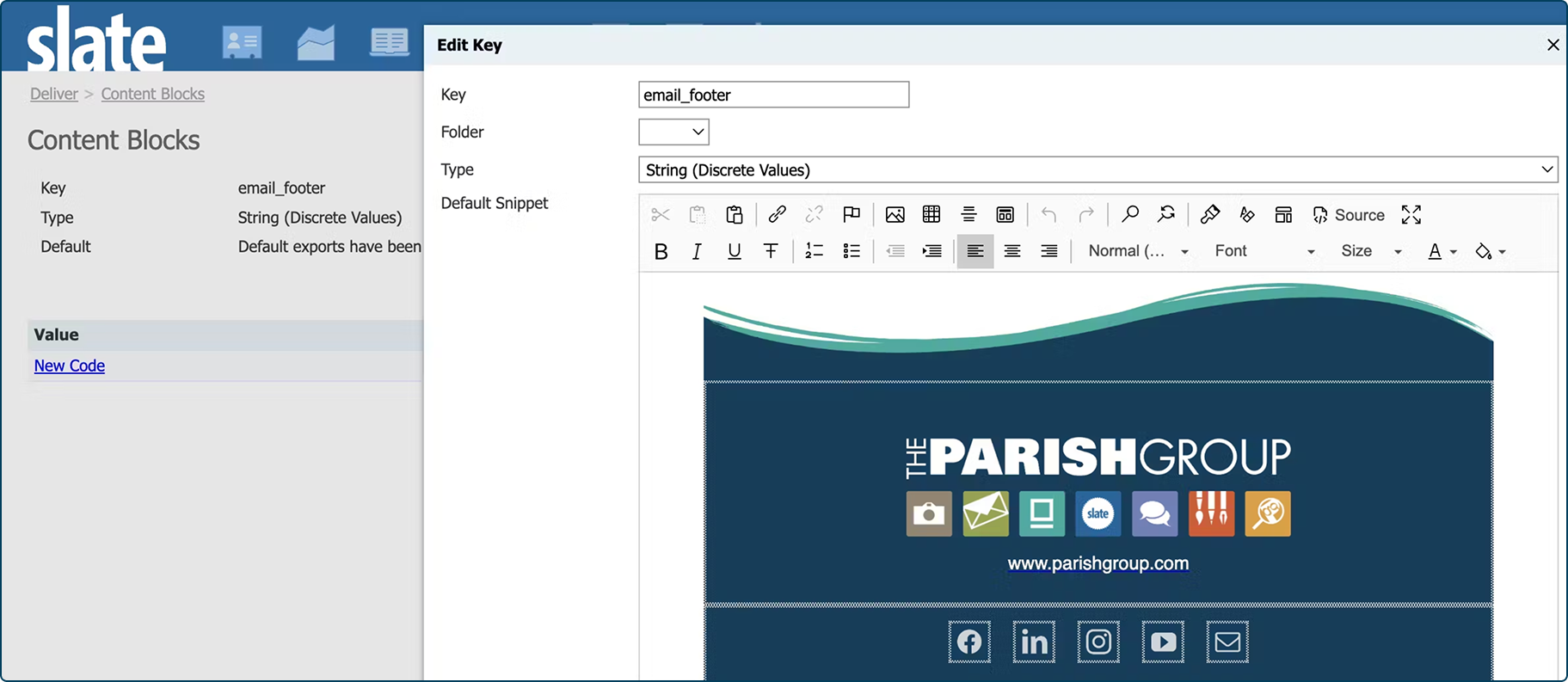
This is a great starting point to update content in one place. The content block can be used outside of Deliver messages to add up to date branding in multiple places throughout your instance, which is always a great step in my book. Something really special about this is that a change in the content block itself will reflect in messages, unlike a change to the template.
You can also go deeper with this fix! It’s possible to work with values beyond just the default in order to make sure that you have years built out into the future. For example, you can pre-build 2026 as a code, and then just make sure that on your Deliver query, you include Current Year with a Format Mask of yyyy to ensure that it will match. You can also use different footers for different messages in a shared instance!
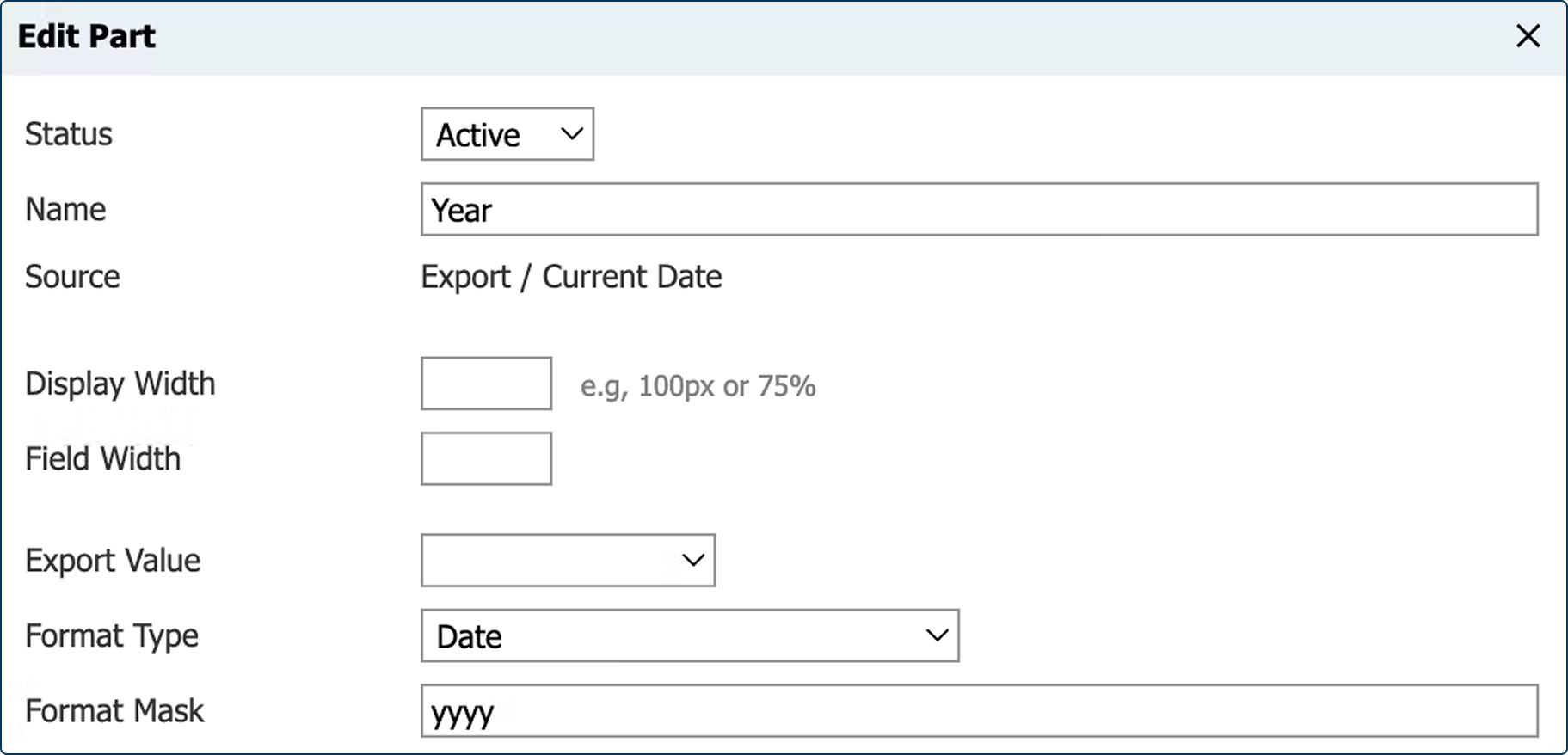
It’s a simple change that can save you dozens of micro-updates down the line.
Part 3: Portals with Custom Branding
When I mentioned this project to my friend and Slate Power User™ Margarita Clarke, she shared a great tip for those of you working with custom portals that don’t use Slate’s default branding.
She found success using a merge field similar to the example above to dynamically populate the copyright year on a custom portal. It’s a clever, flexible solution—especially if your institution uses different branding for different portals.
Keep It Fresh, Keep It Scalable
By making these small but powerful changes across your Slate instance—branding, Deliver, and portals—you’re setting yourself up for success long-term.
No more rushing to update footers every new year. No more stale branding across templates. Just clean, current, scalable design that takes care of itself.
That’s the beauty of keeping your branding evergreen.
If you’re looking for further Slate support, The Parish Group is a Slate Platinum Partner and we’d love to help you optimize your instance.
Reach out at success@parishgroup.com, call us at 828.505.3000, or drop us a message in our community forum!